
The Hardware Behind "This is Not a Conspiracy Theory"
This year I made some upgrades to my aging technology infrastructure and thought I'd share what I came up with and how I feel about my results.
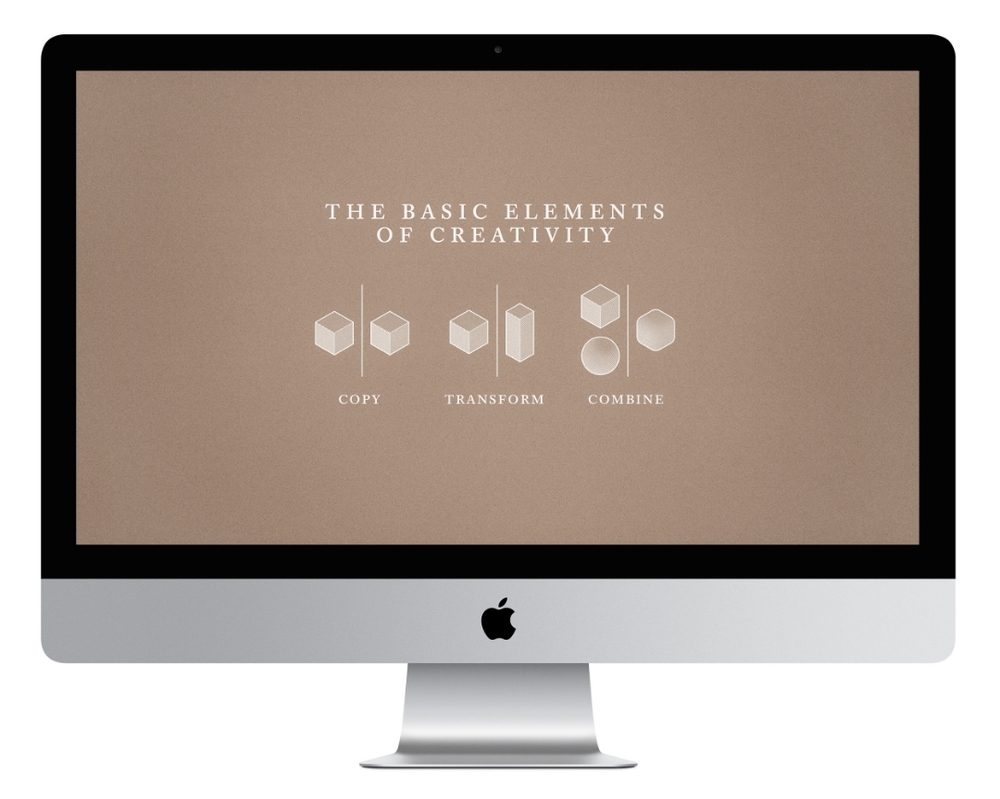
iMac Retina 27"
My 2010 base model iMac was a very good video workstation for about three years. But a lot changed for me during that time: I moved from 720p resolution to 1080p, I started using 3D tools, and I developed a visual style that required much more compositing. During the production of Episode Two, I finally reached the point where I was waiting too much and wasting too much time.
So earlier this year I did my research and invested in a new workstation: the 27" Retina iMac, with a 4 ghz processor, 32 gigs RAM and a Radeon R9 M295X video card. (I bought the RAM through Crucial; don't buy Apple's over-priced RAM.) This is pretty much the most powerful iMac available.
The most striking feature of this system is its 5k display. Do most people really need 5k? They probably don't. I got it so I'm prepared if/when video production moves to 4k. The display is sharp and vibrant, but after a while, you get used to it and its brilliance fades away. If you aren't a professional who'll benefit from that extra resolution, the standard iMac display still seems plenty great.
After a bit of initial fiddling, this machine runs Premiere Pro perfectly. (Until the El Capitan upgrade anyway, but that's another story.) Encoding video is an entirely different experience from my old machine. Exports used to take so long I'd queue them up at lunch or the end of the day, but now almost anything takes less than ten minutes. My other important apps, like Photoshop and After Effects, are fast and stable. I'm actually hard-pressed to complain about anything – maybe more USB ports? Apple has refined these machines to near perfection. This is the best computer I've ever owned.
Nora now uses my old workstation and it performs great for her needs. I'm planning to run this machine for three years, then sell it while it still has a fairly high value and put those funds toward the next system.
I also purchased these accessories to complete my workstation.
LaCie d2 Thunderbolt 2 4TB
This is my primary hard drive for video work. I partitioned it into two 2TB drives, so that I can back it up with my previous 2TB video drives. I use Super Duper for system back-ups and Chronosync to mirror drives.
G-DRIVE USB3 1TB
I use this as my video scratch drive.
Anker 4-Port USB Hub
I now run four USB hard drives so I need additional ports for other peripherals. This hub works flawlessly, but if I did it again, I'd get the 7-port version.
Logitech Wireless Solar Keyboard K750
Recently I had to replace my wired Apple keyboard, which was wearing out. I love that this Logitech keyboard is solar, so there's no more batteries to replace. Overall, it works very well, but I prefer the layout of my the old wired keyboard, which spaced out the key sections better. The realm of keyboards doesn't seem to offer much for discerning users. It's just a bunch of Apple clones, and the ones aimed at serious users are "clicky keyboards". In addition to being ugly, these things generate a real racket. Somebody should make a beautiful, quiet keyboard for people who want the best experience possible.
The Writing Machine (aka Cheap PC)
I do almost all my writing in Scrivener. Because I don't want to be cooped up in my office all the time, I often write on my old Macbook. It remains entirely functional, but has become unbearably slow. And the battery (which was already replaced once) now lasts about an hour.
So I needed a new laptop for writing, as well as web research and email. That made Chromebooks an option, but since I write entirely in Scrivener, I’d need some clunky workaround to sync-up Google Docs. A Macbook Air would be the ideal solution, but it costs too much and kinda seems like overkill. I recently learned there are now full-fledged Windows PCs at sub-$200, Chromebook-like prices, so that’s the path I chose.
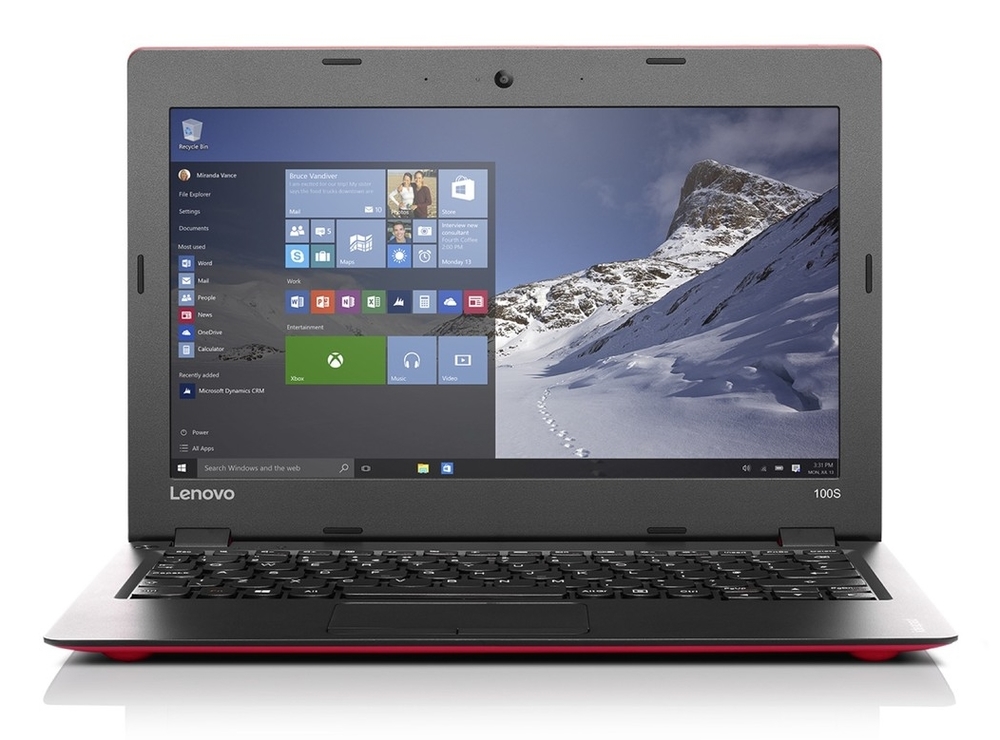
I bought the Lenovo Ideapad 100S, installed the Windows version of Scrivener, and sync my docs via Dropbox. This works great, with no cross-platform hassles. I also use Dropbox to capture stills, PDFs and other bits of media from the web. Then on my iMac, Hazel automatically files these documents into their proper folder, and DEVONthink imports PDFs.
And for a little cherry on top, I bought a cheap game controller, I plug the laptop into the TV via HDMI, and Nora and I can do some occasional basic gaming.
All in all, this solution does the job, it cost less than $200, and I had everything set-up in little time. (It helped that I have previous experience with Windows. If you don't, it might take a bit longer, but still shouldn't be too time-consuming.)
Is the Ideapad 100S a great PC? Absolutely not. Its trackpad is clunky and the display is washed-out and has poor viewing angles. In retrospect, I wish I went with the HP Stream 11, which has a better trackpad and display. I think it would have been worth the extra fifty bucks. But for my purposes, I can get used to the Ideapad's flaws. Otherwise, it functions well, performance is good, and the battery life seems eternal compared to my old Macbook. For $150, it was a fantastic buy.
A few other bits of gear
Acer Chromebook 11
Nora uses the Acer Chromebook 11 for web, email and video streaming. The wifi is bit prone to dropping out, but it generally functions well and she spends many hours on it.
Roku 2
This is our go-to video watching device. With Hulu, HBO, Amazon Prime, and Netflix it offers a pretty robust selection for much less than the price of cable. You can also plug-in a thumb drive to watch any video files you have. Get the VHX app to watch TINACT on your TV.
Salt Crystal Lamp
Not gear exactly, but a nice addition to our work/life environment. We now have three of these. There's something very soothing about the light they emit, and I love that each one is a unique sculpture.


